Convert unlimited Spotify playlists and tracks to MP3, FLAC, WAV, AAC, AIFF, or ALAC in a single process, maintaining original sound quality and complete ID3 metadata.
*Tips: Sidify is designed for personal, fair-use downloading.











| FEATURE | Sidify Music Converter | Online Spotify Converter |
|---|---|---|
| Ad-Free | ||
| Batch Playlist Download | ||
| 320kbps | ||
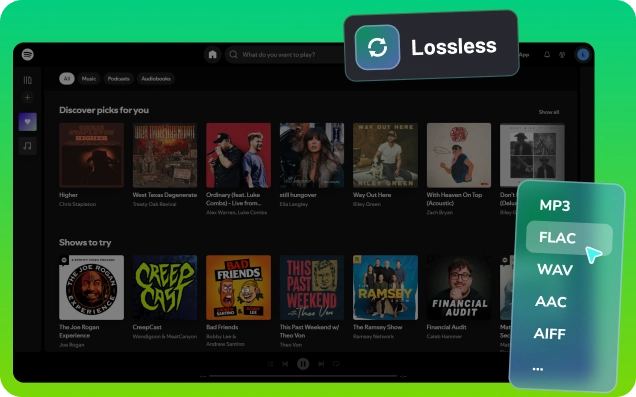
| Spotify Lossless | ||
| 10X Faster Speed | ||
| Unlimited Downloads | ||
| Output Formats | MP3 FLAC AAC WAV AIFF ALAC | MP3 only |
| Supported Audio Types | Song Album Playlist Podcast Audiobook Radio | Song only |
| ID3 Tags Kept | Title Artist Album Year Genre Art Cover Lyrics … | Title only |
| Highest Quality | 320kbps Spotify Lossless | 128kbps |
| Customize Output Path | ||
| 24/7 Customer Support | ||
| Free Lifetime Updates |
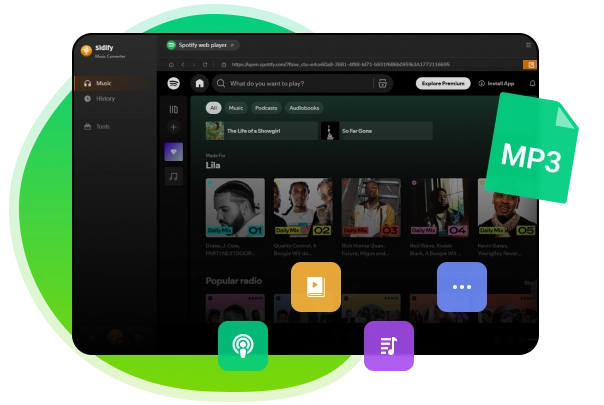

Download all types of Spotify content, including music, podcasts, audiobooks, video podcasts, and music videos, and convert files to widely supported formats such as MP3, AAC, WAV, FLAC, AIFF, ALAC, or MP4. Save everything from Spotify locally for offline playback with both Spotify Free and Premium accounts.
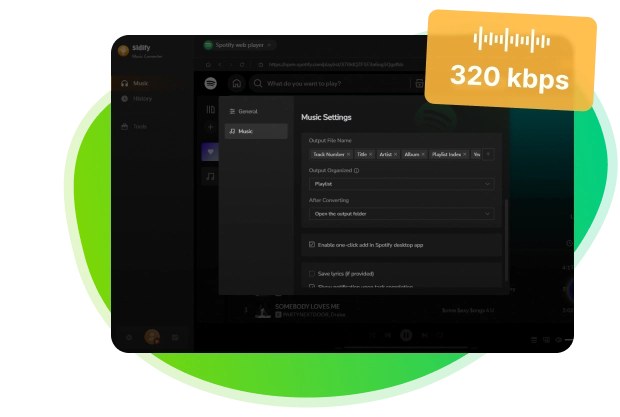

Support output up to 320kbps MP3, or opt for lossless audio with 16-bit/24-bit depth and sample rates of up to 192kHz. Sidify captures music straight from Spotify for genuine, high-quality sound,without relying on YouTube recordings or third-party sources. Every download maintains precise track information, complete with artwork and full metadata.
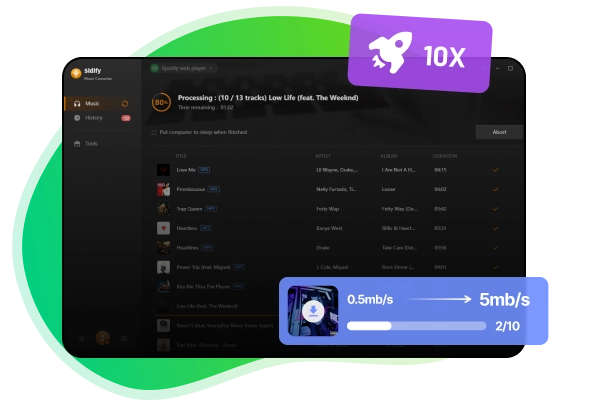
Batch convert and download entire Spotify playlists at speeds up to 10×, with support for unlimited songs per session and smooth performance even for the largest playlists. Sidify eliminates slow, single-track downloads with flawless, uninterrupted processing.
Sidify Music Converter lets you play Spotify downloads across every device.

Years Experience
Global Markets Served
Professional Support
Customer Satisfaction Rate

Open the Sidify Music Converter on your computer.
Click the Add button to add Spotify Music tracks to Sidify.
Set MP3 as the output format and specify the output folder.
Click Convert to download Spotify Music to MP3.


Sidify Music Converter is safe and dependable to use. It contains no ads, requires no additional plugins, and lets you convert Spotify songs to MP3 directly on your computer with a single program.
Sidify Music Converter is compatible with both Windows and macOS systems. It supports Windows 7 or later (32-bit and 64-bit), as well as macOS 11 or newer. An Android version is also available, requiring Android 5.0 or later.
Sidify Music Converter offers a free trial. You can convert the first minute of each song to test the features and performance. To remove this limitation and unlock full-length conversions, you can purchase a license key.
With Sidify Music Converter, you can download Spotify music as MP3 files using either a Free or Premium Spotify account.
Yes, you can easily add songs, albums, or entire playlists to Sidify and convert them in batches.
Yes, you can download Spotify video podcasts and choose to save as either MP3 or MP4, based on your preference.
No, the downloads made with Sidify are yours to keep forever. They are stored locally on your device, so you won’t lose them even if you unsubscribe.
Yes, Sidify supports Spotify lossless audio output. You can download Spotify songs, albums, and playlists in FLAC format. To get lossless audio, ensure you have a Spotify Premium account with Lossless streaming enabled. In Sidify, use Spotify App Mode and select “Recommended” as the output format when converting.
Yes, downloaded Spotify songs can be easily transferred to any device, such as an MP3 player, smartphone, tablet, USB drive, or even your car stereo, for offline playback.
If Sidify doesn't work, contact our 24/7 email support. If the issue isn't resolved, you can request a full refund within 5 days of purchase.