

Export Your Spotify Playlists to MP3 on Android — Local Storage! Perfect for both Spotify Free & Premium Users. Enjoy Permanent Offline Listening, Anytime, Anywhere!
*Tips: Sidify is designed for personal, fair-use downloading.










| FEATURE | Sidify Android APK | Spotify Premium APK |
|---|---|---|
| Works with Spotify Free Account | ||
| Ad-Free Listening | ||
| 100% Safe | ||
| 24/7 Customer Support | ||
| Free Updates | Official updates, delivered automatically | No official updates, manual reinstallation required |
| Stability & Reliability | 10-year-old brand with stable performance | Frequent crashes, features break without warning |
| Output Format | MP3 FLAC AAC WAV AIFF ALAC | Spotify OGG |
| Batch Playlist Download | ||
| 10X Faster | ||
| Unlimited Download | ||
| Supported OS | Windows Mac Android | Android |
View Full Tutorial >> How to Use Sidify Android APK

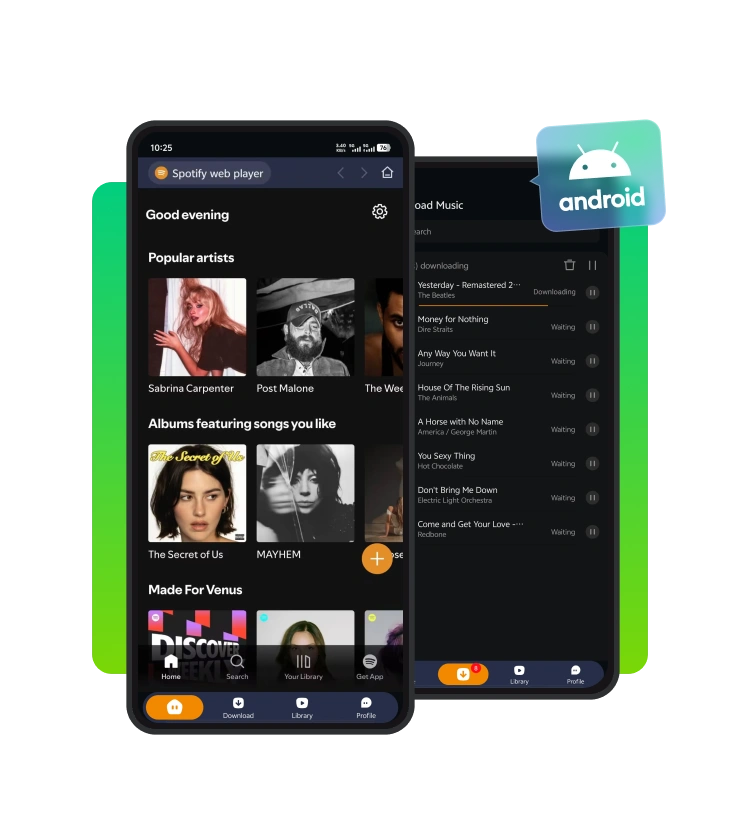
Launch Sidify for Android, then sign in to your Spotify account to continue.

Click the "+" icon to add a Spotify playlist, podcast, radio, or audiobook to Sidify.

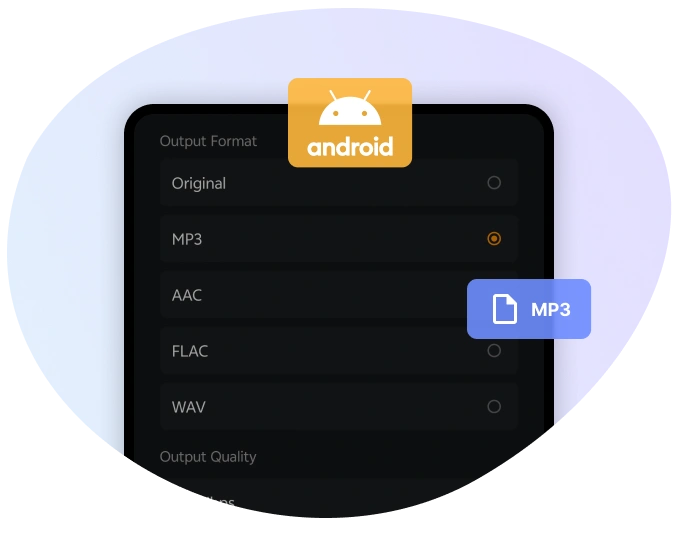
Customize the output format as well as the output folder.

Click "Download" to start converting the Spotify tracks to MP3.
Sidify Android APK saves Spotify songs, albums, playlists, podcasts, radio, and audiobooks directly to Android internal storage in MP3, AAC, WAV, FLAC, AIFF, or ALAC format.
No personal data or login credentials are collected. All conversions occur on the device. Spotify information always remains private and secure.
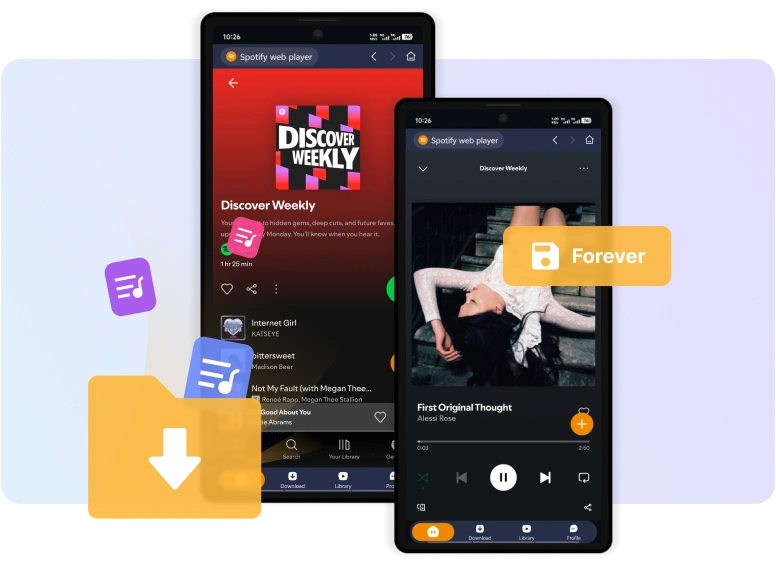
Downloaded Spotify songs are kept permanently for you. No active subscription is required to access music, even when switching accounts.
Years Experience
Active Users
Countries & Regions
Satisfation Rate

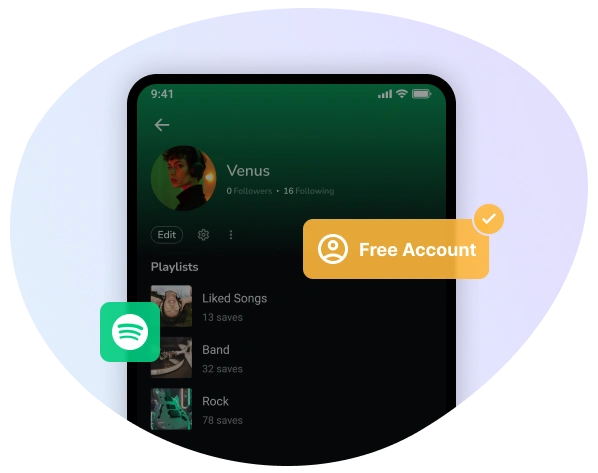
Spotify Free users can download Spotify music and playlsits for offline playback, just as Spotify Premium subscribers can.

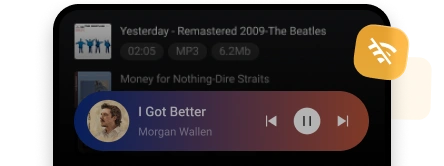
Download and export Spotify playlists as real MP3 music files, saving Spotify tracks locally on Android for offline use.


Backed by years of expertise in music conversion technology, Sidify leads in stable and cutting-edge solutions. Millions of users worldwide choose Sidify for high-quality Spotify conversion.

Skip all audio and visual ads and get ad-free playback.

Operate conversions in a secure environment.

Up to date with the latest features and improvements.

Provide fast and reliable product troubleshooting.


Sidify Android APK is a safe app because it processes music conversion only and does not modify your Spotify account, and your account and data remain secure.
Sidify requires Android 5.0 or later to run. Sidify Music Converter is also compatible with both Windows and macOS systems. It supports Windows 7 or later (32-bit and 64-bit), as well as macOS 11 or newer.
Sidify Music Converter for Android offers a free trial. You can convert the first minute of each song to test the features and performance. To remove this limitation and unlock full-length conversions, you can purchase a license key.
Spotify Premium APK lets you stream music without ads, but you still don’t actually own the music. The downloads only work inside the Spotify app, and if the APK stops working or your account has issues, all your downloads may disappear.
Sidify allows you to download Spotify songs, playlists, and podcasts as local files on Android device. You can keep the Spotify files forever or play them on any music player.
Yes. Sidify supports batch downloading, so you can download your entire playlists, albums, or podcast series to your Android phone all at once. This is especially useful for listeners with large Spotify libraries.
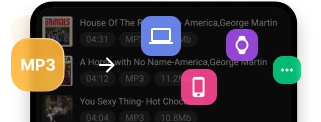
Yes. Since Sidify saves music as local files, you can transfer songs to another Android phone, tablet, SD card, USB drive, or even a computer.
Sidify supports high-quality downloads up to 320kbps MP3, as well as AAC, WAV, AIFF, ALAC, and FLAC formats.
Yes. Sidify works with both Spotify Free and Premium accounts. Free users can enjoy ad-free playback after downloading and Premium subscribers get better audio quality. Sidify allows Spotify downloads and local playback for all users.
Yes. Sidify allows you to select a folder or SD card on your Android device to store your downloads. This is convenient if your device storage is limited.
No. Sidify has no practical limit. The only restriction is your Android device storage. You can download your entire Spotify libraries if needed.