Many users encounter compatibility and format limitations when trying to play iTunes audiobooks on their Sonos speakers. Sonos supports a wide variety of audio sources, but iTunes audiobooks often carry DRM protection, preventing them from playing directly. This article will introduce two practical methods to help you easily listen to iTunes audiobooks on Sonos.
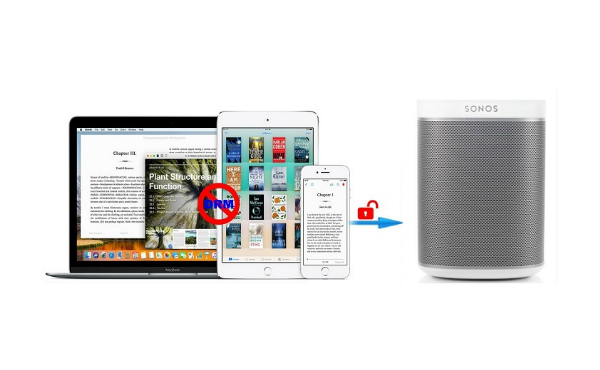
Using line-in connection is the most common method to play iTunes audiobooks on Sonos. Sonos supports to play music from either Internet or media devices like phones, tablets, computers and TVs which are connected. Though line-in is inconvenient to some extent, it is helpful for transferring files with DRM on Sonos. It is easy to achieve this procedure. What you need to do is simply connecting your external devices to Sonos speaker via an audio cable. After that it will stream the audiobook to your Sonos easily whenever you play iTunes files on your external devices.
But a bad news is that not all the Sonos products support this line-in connection. So if you use line-in connection to play the audiobook, you must authorize the specific device in order to play the iTunes audiobook on any media player you want. By the way, you can enable the “auto play” on the Sonos so that the audiobook can be played automatically when the external devices are connected. Else, you need to select “line-in” from the Sonos music menu on the Sonos Controller.
However not all file formats are playable on Sonos. If the audiobooks are only able to play through a proprietary app or are copy protected, then Sonos won’t recognize the files and won’t be able to play them, for example, iTunes audiobooks with DRM won’t be able to play on Sonos directly.
Don’t worry, there are some third party software available to remove DRM from iTunes audiobook. Sidify iTunes Audiobook Converter can eliminate DRM restrictions for you. As a powerful audiobook Converter, it enables you to remove DRM from iTunes purchased audiobooks and convert them to unprotected audio formats, like MP3, AAC, WAV, FLAC, AIFF or ALAC with original audio quality kept.
With the help of this program, you can directly enjoy any iTunes audiobooks on Sonos and other devices. The follow guide will show you how to convert iTunes purchased audiobooks to plain format with Sidify iTunes Audiobook Converter for playing on Sonos.
 850,000+ Downloads
850,000+ Downloads
850,000+ Downloads
Step 1Launch Sidify Apple Music Converter
Run Sidify Apple Music Converter, you will access the modern interface of the program.
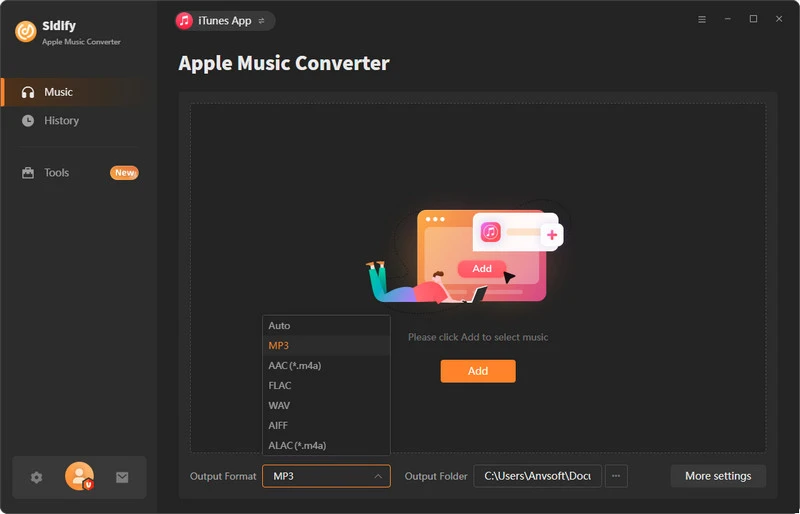
Step 2 Import audiobooks from iTunes to Sidify
Click + button to select the audiobook files you want to convert from iTunes library. You can click Books on the top left panel, then all your audiobooks will be listed and you can select the audiobooks you want to convert.
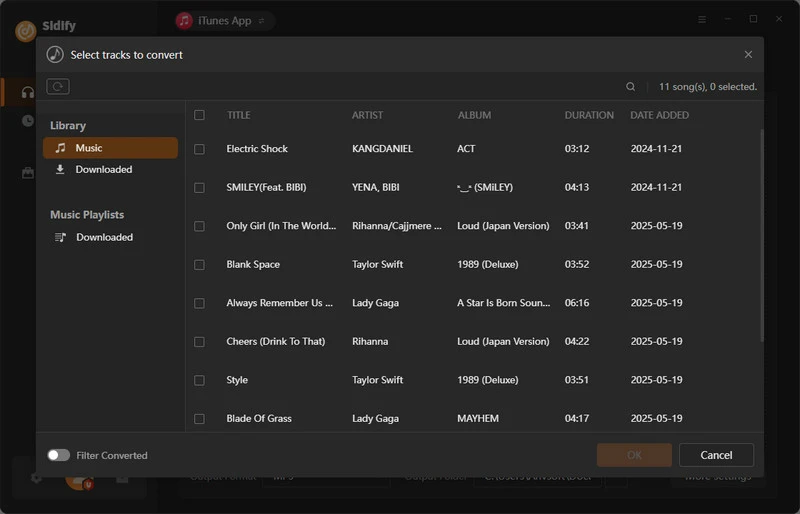
Step 3 Choose a Sonos compatible format
Then click setting button on the top right of the window, here we can choose MP3 or AAC as output format.
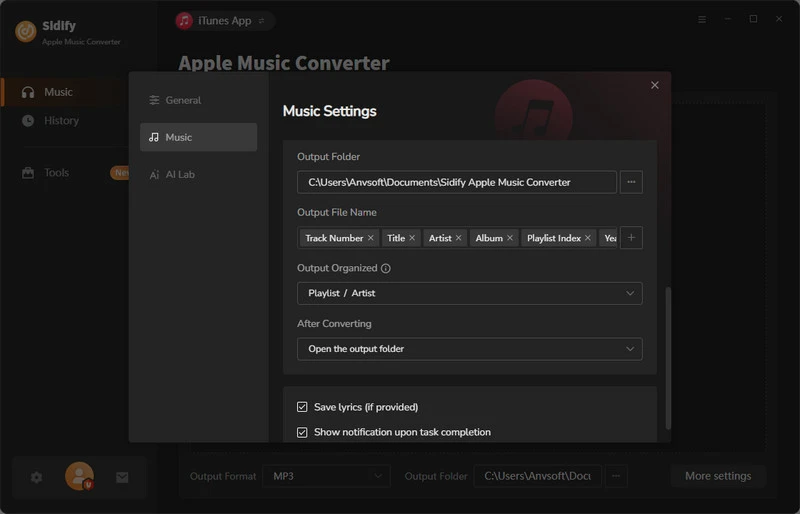
Step 4 Start removing DRM from iTunes Audiobooks
After all settings done, you can click Convert button to start conversion process. When the conversion is completed, all the DRM-free iTunes audiobooks can be easily found by clicking history button.
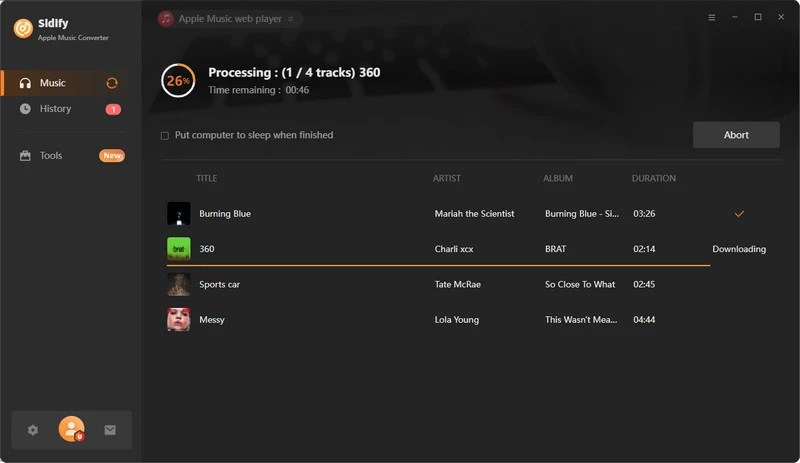
Step 5 play iTunes audiobooks on Sonos
Use the Sonos controller to import the audiobooks to the device, i.e. PC, tablet, or phone. Start listening to iTunes audiobooks through the Sonos speakers.
Note: The trial version of Sidify Apple Music converter has 1-minute conversion limit. If you want to unlock the time limitation, you can purchase the full version of Sidify.
Whether you choose to connect your device via an audio cable or use Sidify to convert your iTunes audiobooks to a Sonos-compatible format, both methods effectively resolve playback compatibility issues. Compared to traditional connection methods, Sidify provides a more efficient and convenient conversion experience, allowing you to easily share your favorite audiobooks to Sonos speakers for wireless playback.
What You Will Need
They're Also Downloading
You May Be Interested In
Hot Tutorials
Topics
Tips and Tricks
What We Guarantee

Money Back Guarantee
We offer money back guarantee on all products

Secure Shopping
Personal information protected by SSL Technology

100% Clean and Safe
100% clean programs - All softwares are virus & plugin free